
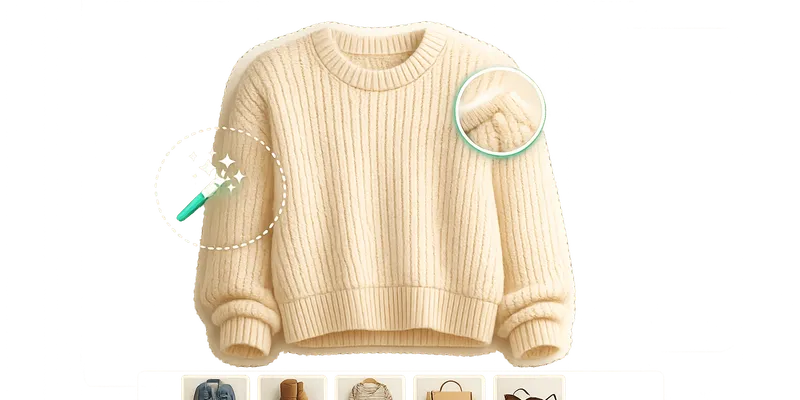
Your Vinted photos can make or break your sales. High-quality images boost buyer trust and can increase conversions by up to 300% with these essential Vinted tips. The best part? You don’t need expensive software. Free tools like Photopea, GIMP, Canva, Pixlr, Remove.bg, and Photoroom can help you quickly edit images, improve lighting, remove backgrounds, and create professional-looking photos - all without spending a cent. Each tool has its strengths, whether you’re looking for advanced desktop editing, quick mobile fixes, or AI-powered enhancements. Below is a quick breakdown to help you choose the right one for your Vinted shop:
- Photopea: Web-based Photoshop alternative with layers and advanced tools. Free with ads; 1 AI background removal/day.
- GIMP: Desktop app for detailed edits and colour correction. 100% free but no built-in AI features.
- Canva: Easy-to-use templates for Vinted listings. Free version covers basic edits; AI tools require a subscription (€13,50/month).
- Pixlr: Mobile and browser-friendly with AI tools for quick edits. Free with ads; premium plans available.
- Remove.bg: Fast, precise background removal. Free for low-res images; HD downloads need credits.
- Photoroom: Mobile-first AI editor tailored for marketplace sellers. Free plan includes basic tools; Pro version (€9,35/month) removes watermarks.
Quick Tip: Combine tools for the best results - use one for background removal and another for touch-ups. Pick based on your workflow, device preference, and listing volume.
How To Edit Photos For Vinted in Gimp · Beginner Tutorial
sbb-itb-d4aa959
Free Photo Editing Tools for Vinted
You don’t need expensive software to create professional-looking photos for your Vinted listings. These free tools can handle everything from quick fixes to advanced edits. Here’s a breakdown of tools that can simplify your photo editing process.
Photopea: Online Photoshop Alternative
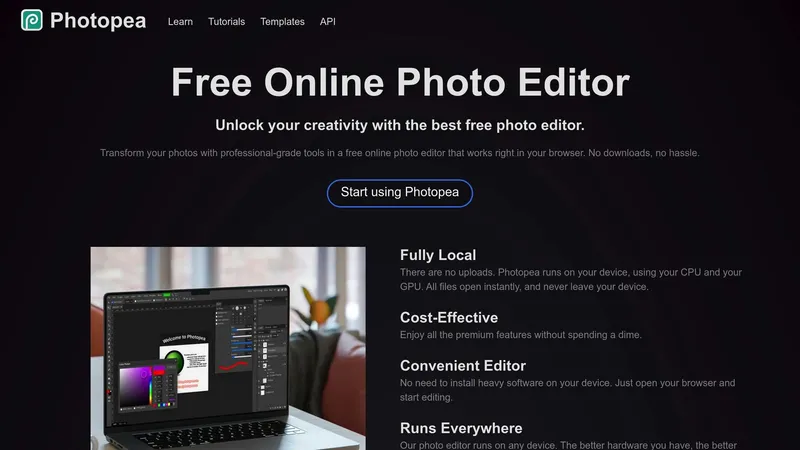
Photopea is a browser-based tool that feels like Adobe Photoshop but without the hefty price tag - or downloads. Its interface includes layers, masks, and smart objects, offering a familiar setup for those with Photoshop experience.
What makes Photopea stand out is its ability to handle various file formats like PSD, AI, and Sketch. You can even import custom ABR brushes, making it perfect for detailed edits such as removing stains or blemishes using tools like the Healing Brush or Content-Aware Fill.
"Photopea is an excellent Photoshop alternative for beginners and professionals alike." - Michelle Martin, Author
While the free version unlocks all features, it does include ads. If you want an ad-free experience and extended editing history, you can upgrade for about €7,50 per month. Plus, its AI background removal tool is available once a day on the free plan.
Looking for a desktop solution? Let’s move on to GIMP.
GIMP: Advanced Desktop Editing
GIMP is a free, open-source desktop application available for Windows, macOS, and Linux. It’s a great option for anyone who wants complete control over their edits without spending a cent.
One of GIMP’s standout features is its advanced colour correction tools, like Curves and Levels. These tools allow you to fine-tune colours, ensuring your garment photos reflect their true shades - a must for avoiding returns. It also supports large file formats like TIFF, AVIF, and WebP without needing conversions.
"GIMP provides the tools needed for high quality image manipulation. From retouching to restoring to creative composites, the only limit is your imagination." - GIMP Official Site
That said, GIMP lacks built-in AI features like automatic background removal. For such tasks, you’ll need plugins or manual workarounds. Its interface might feel overwhelming at first, but with time, users often find the effort worthwhile.
Prefer something more straightforward? Canva might be the tool for you.
Canva Free Editor: Templates and Simple Tools
Canva is all about ease of use. Its drag-and-drop interface makes it simple to create polished photos, even if you’re not tech-savvy. The free version offers access to over 20,000 templates, perfect for Vinted listings or social media.
Canva also includes preset crop ratios tailored to Vinted’s vertical display (9:16) or square icons (1:1). Basic tools like brightness, contrast, and saturation adjustments help you fine-tune your images with minimal fuss.
"Canva is likely to be the best free photo editing tool for most users, particularly those running a business or ecommerce website." - Jon Stapley, Photographer
However, some advanced features, like one-click background removal and the Magic Eraser, require a Pro subscription (around €13,50 per month). Even so, the free version is sufficient for most basic edits. Canva’s Brand Kit feature is also handy for saving your shop’s logo and colours, ensuring a consistent look across your listings.
Need something mobile-friendly? Pixlr has you covered.
Pixlr: AI-Powered Browser Editing
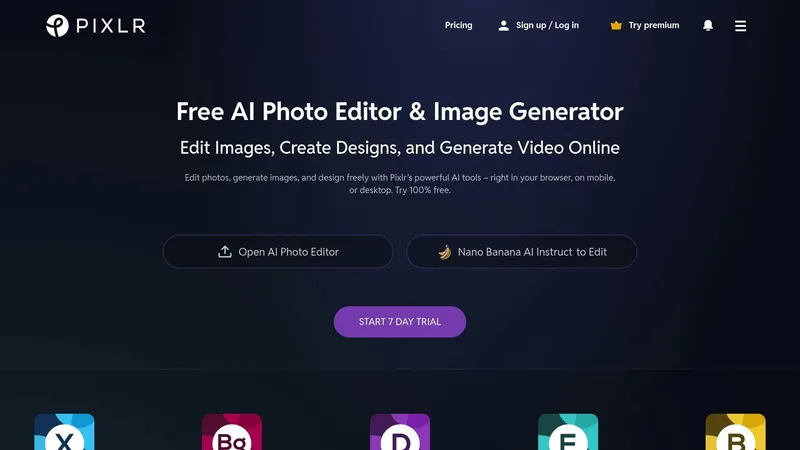
Pixlr is ideal for quick, on-the-go edits, especially for mobile-first sellers in the Netherlands. It offers two versions: Pixlr X for fast, AI-driven edits and Pixlr E for more detailed, Photoshop-like adjustments. Both run in your browser and on mobile devices.
Pixlr X simplifies tasks with AI tools like background removal and Generative Expand, which adjusts a photo’s aspect ratio without cropping key details. For more control, Pixlr E includes layers and manual editing tools.
The free version covers most everyday tasks, such as cropping, applying filters, and removing backgrounds, though it does include ads. If you need more features or AI credits, premium plans range from €2,35 to €16 per month.
Each tool offers something different, so choose the one that fits your editing needs and workflow best!
Background Removal and Quick Edit Tools
Sometimes you need quick edits without diving into complex software. These tools are designed to deliver just that - fast, AI-driven fixes that make your Vinted photos look polished in seconds.
Remove.bg: Quick Background Removal
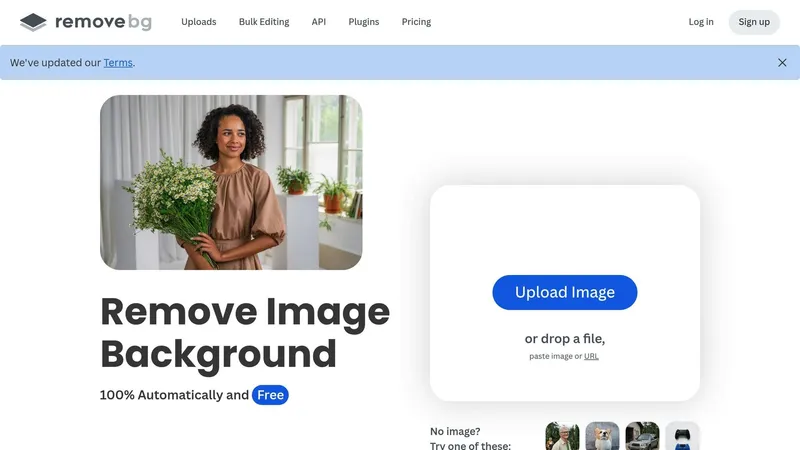
Remove.bg can strip out backgrounds in just 5 seconds. Its AI technology is great at handling tricky details like hair or fur, making it ideal for photos of textured items like vintage coats or accessories.
The Fashion Photo Creator template is tailored for platforms like Vinted and Depop. It formats your photos with clean, professional backgrounds that meet marketplace standards. You can even apply custom brand colours by using a hex code, ensuring a consistent look across all your listings.
For sellers managing large inventories, the Desktop App is a lifesaver. Instead of uploading images one by one, you can process entire folders at once - perfect for days when you're listing dozens of items. The free version offers unlimited low-resolution downloads (0.25 megapixels), which is usually enough for Vinted listings.
"remove.bg is leaps and bounds ahead of the competition. A thousand times better. It simplified the whole process." - Marc Cohen, CEO
However, there’s a catch: high-resolution downloads require credits. You’ll get one free HD credit when you sign up, so save it for a standout listing.
If you’re looking for quick, mobile-friendly edits instead of bulk desktop processing, Photoroom might be a better fit.
Photoroom Free Plan: AI-Powered Marketplace Tools
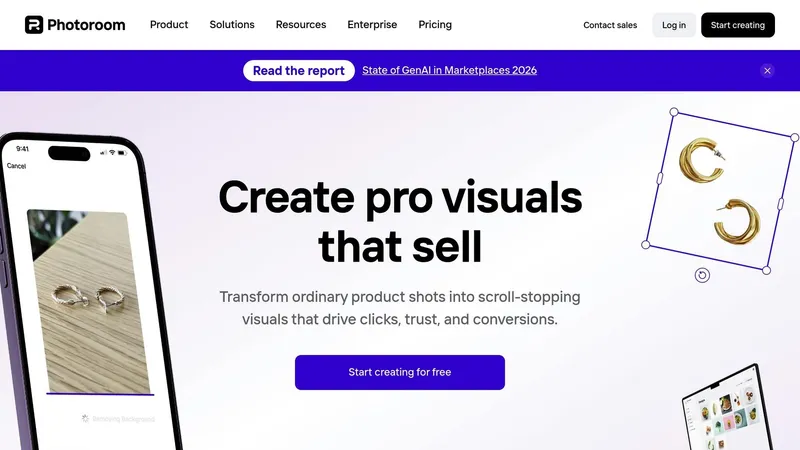
Photoroom, with over 300 million downloads, is a mobile-first AI studio that’s especially popular among marketplace sellers in the Netherlands. It allows you to edit and upload directly from your phone.
The Product Beautifier tool enhances lighting and colour in seconds, while the Magic Retouch feature lets you easily remove unwanted objects or clutter from your images. For clothing items, the Ghost Mannequin tool creates a professional flat-lay effect, and Instant Shadows add depth to prevent your products from looking flat or "floating".
In October 2025, Alexandra Mahl, founder of APM FINDS, LLC, shared that her sales skyrocketed by 500% after she started using Photoroom to add clean white backgrounds to her listings. The tool also boosted her visibility in Google search results, a key factor when selling on Vestiaire Collective or other high-end platforms.
"Just adding white backgrounds has made my sales jump by 500%." - Alexandra Mahl, Founder, APM FINDS, LLC
The free plan includes basic background removal and retouching, but your photos will carry a Photoroom watermark. For watermark-free, high-resolution exports, the Pro version is available for around €9,35 per month. Photoroom reports that users typically see a 96% increase in sales and a 93% reduction in editing costs.
Both tools can save you a lot of time compared to manual editing. Opt for Remove.bg if you need bulk processing and precision, or go with Photoroom for quick, mobile-friendly edits tailored to marketplace needs.
Comparing Free Editing Tools for Vinted
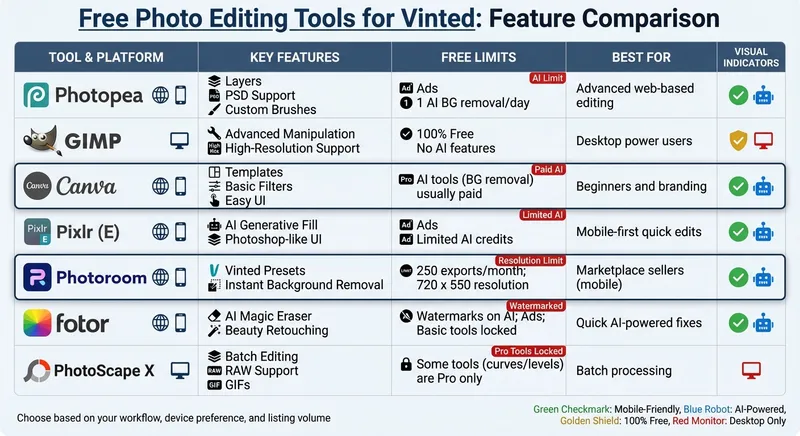
Free Vinted Photo Editing Tools Comparison Chart
Comparison Table: Features, Platforms, and Limits
Photopea and Pixlr (E) provide a browser-based experience similar to Photoshop, complete with layers and advanced selection tools. Here's a breakdown of key features, platforms, and free usage limits for each tool to help you decide which fits your Vinted business needs.
| Tool | Platform | Key Vinted Features | Free Usage Limits |
|---|---|---|---|
| Photopea | Web | Layers, PSD support, custom brushes | Ads; 1 AI background removal/day |
| GIMP | Desktop | Advanced manipulation, high-resolution support | 100% free; no AI features |
| Canva | Web, Mobile | Templates, basic filters, easy UI | AI tools (background removal) usually paid |
| Pixlr (E) | Web, Mobile | AI Generative Fill, Photoshop-like UI | Ads; limited AI credits |
| Photoroom | Web, Mobile | Vinted presets, instant background removal | 250 exports/month; 720 x 550 resolution |
| Fotor | Web, Mobile | AI Magic Eraser, beauty retouching | Watermarks on AI; ads; some basic tools locked |
| PhotoScape X | Desktop | Batch editing, RAW support, GIFs | Some tools (curves/levels) are Pro only |
Each tool offers unique strengths depending on your workflow. Whether you prioritize advanced features, ease of use, or mobile access, there’s something for everyone.
Photopea, for instance, limits free AI background removal to just one per day. On the other hand, GIMP stands out for handling large files, like a 283.6 MB TIFF, making it perfect for high-resolution editing.
Photoroom is tailored for Vinted sellers, featuring presets for the platform and automatic background removal. However, the free version restricts resolution to 720 x 550 pixels and allows only 250 exports monthly.
Canva is a favorite for creating branded graphics using templates. But many of its advanced AI tools, such as background removal, require a €15/month subscription.
Fotor's AI Magic Eraser is particularly useful for removing distractions from product photos.
"Canva is likely to be the best free photo editing tool for most users, particularly those running a business or ecommerce website. It doesn't offer the same level of depth of control as others on this list, but for simplicity and ease, it is unrivalled." - Jon Stapley, Photographer
Choosing the right tool depends on your reselling strategy and what sells best on Vinted. The better you align your editing tool with your needs, the more polished your listings will look - and that can mean more sales.
Choosing the Right Tool for Your Vinted Business
When it comes to picking the best editing tool for your Vinted shop, the right choice depends on your workflow, product types, and personal preferences.
Think about your workflow and product needs. If you’re selling on the go, mobile-friendly tools like Pixlr are a great option, offering professional-level adjustments right from your phone. For desktop users, GIMP stands out with its advanced colour control and ability to handle high-resolution images, ensuring your items look true to life on the platform.
Platform compatibility matters. If you’re working exclusively on mobile, apps like Photoroom are perfect for quick background removal, offering presets tailored for Vinted sellers. Beginners might prefer browser-based editors like Canva for its simple templates and filters, while more experienced users may appreciate Photopea’s layer-based editing, which mimics Photoshop.
Match your tool to your inventory size. If you’re managing a high volume of listings, tools with batch-processing features can save loads of time. For instance, Photoroom’s paid plan (€82,50 per year) lets you standardise backgrounds for up to 50 photos at once. On the other hand, if you’re listing items occasionally, a combination of free tools can do the trick. Remove.bg handles bulk background removal, and Canva can help with brightness adjustments and branding.
Experiment to refine your process. Many successful sellers mix and match apps to optimise their workflow. For example, you might use one app for background removal and another for adjusting brightness and tone. Quick fixes can even be done with built-in tools like the iPhone’s Markup, but remember: natural light is key. Editing can’t fully compensate for poorly lit photos.
Be aware of free plan limitations. Free versions often come with restrictions. For instance, Pixlr limits you to 20 free AI credits before requiring payment. Weigh these constraints against your listing frequency, and only consider upgrading when free features start holding back your business growth—and use a Vinted fee calculator to ensure your margins stay healthy.